
Instagram tips
How Often Should Realtors Post on Instagram? What Our Agent Data Shows
How often should Realtors post on Instagram? Our agent data says link 3+ listing posts a week, every week. Here's the schedule.
 Your Home PageOctober 19, 20265 min read

Most listing captions start like this: "Welcome home to this stunning, sun-filled retreat..."
By the time a buyer finds out where it is and what it costs, they've already scrolled past. Meta's own research found people spend an average of just 1.7 seconds on a piece of content in their mobile feed. If your first line doesn't tell a buyer where the home is and what it costs, you've lost them.
We looked at 1,036 posts on Your Home Page that sent buyers a DM, from April through early October 2026. The captions that brought in the most leads followed one real estate Instagram caption formula. The best single post using it DMed 522 people, and 215 of them (41%) gave their email.
Here's the formula, why it works, and how to use it on your next listing.
Want 20 fill-in hooks? Download Stop Posting for Likes, our free playbook with the caption formula, a keyword CTA bank, DM scripts, and a 4 week posting calendar.
Three parts. That's it.
Put together, it looks like this:
Columbus. $389,900. 3 bed with a fenced yard.
Fully renovated, move-in ready, no HOA, and a backyard built for weekends.
Comment LINK for the address.
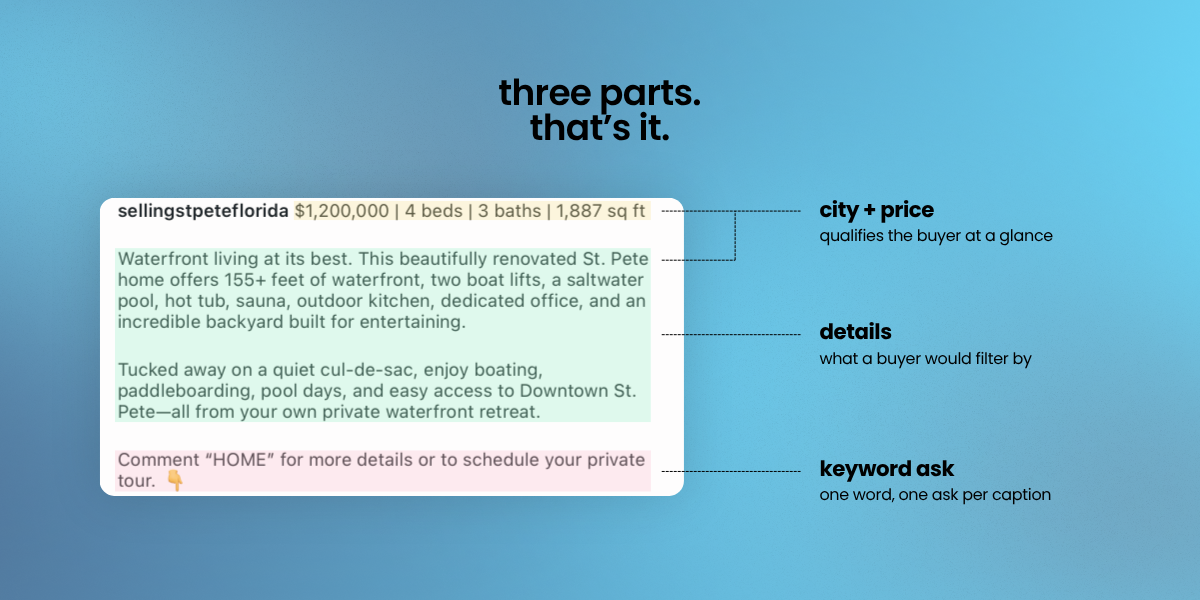
Instagram cuts your caption off after the first line or two. That first line is your headline.
City and price qualify the buyer in one glance. Someone shopping in that area at that budget leans in. Everyone else keeps scrolling, which is fine. You want the right DMs, not more of the wrong ones.
It also answers "where?" and "price?" before anyone has to comment on it. The comments you get instead are buyers asking for the address.
The keyword is what turns a like into a lead. "Comment LINK for the address" is one word, so people actually do it. And it triggers your automated DM with the listing.
Agents who got 20 or more leads on Your Home Page asked for a keyword comment on 100% of the posts they linked, and averaged about 12 keyword comments per post. Every one of those comments is a buyer raising their hand.
One rule: one ask per caption. Don't ask them to comment, follow, share, and call you all in one post.
Whatever keyword you use, the DM it triggers should link to the listing itself. In our data, listing-link DMs got 19% of buyers to give an email, vs. 0.2% for a contact form. (Full breakdown: Instagram DM automation for Realtors.)
One keyword works for every listing. Most DM automation tools make you set up a new keyword or a new link for every post. Your Home Page works differently. Once a post is linked to its listing and DM automation is turned on, anyone who comments your keyword gets the link to the exact home in that post, not a generic link. So you can use the same keyword, like LINK, on all of your posts, and every buyer automatically gets the home they asked about.
The details in the middle aren't filler. They're the reason the right buyer stops.
The angles behind posts that produced hot leads on Your Home Page were specific: non-flood zone, no HOA, a pool home around $500K, a historic bungalow, and "under $400K pool home."
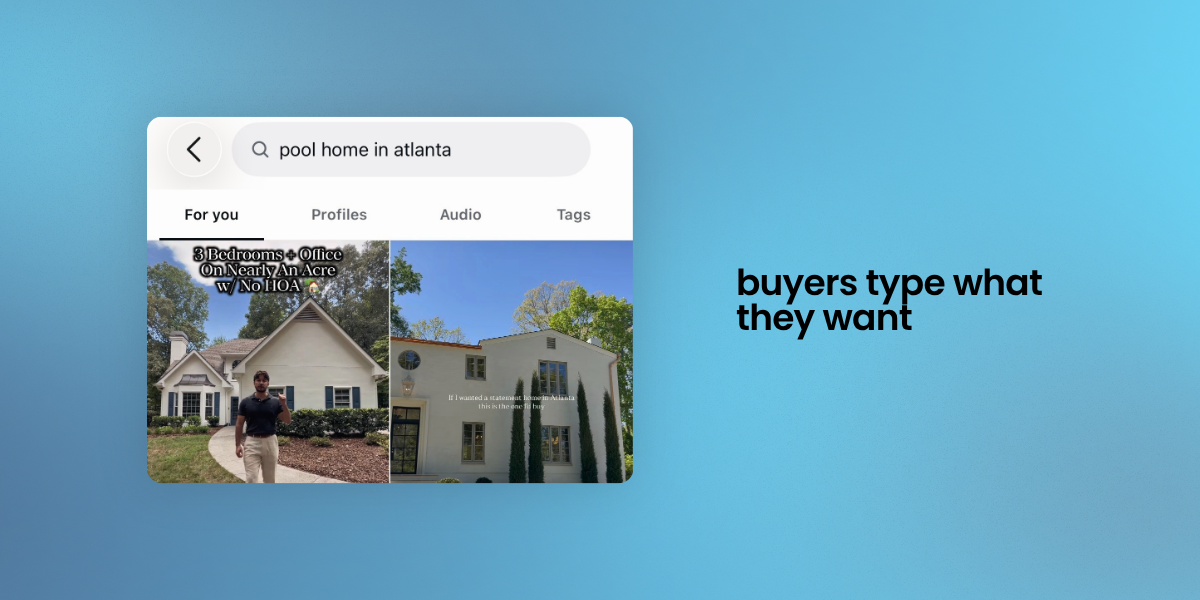
Notice what those have in common. They're the exact things a buyer types into a search filter. In your market, it might be a finished basement, a top school zone, or a big lot. Put your angle right after the city and price, so line one does double duty.
Here are 5 fill-in hooks to start with. The playbook has 20.
The formula works best on homes your buyers can actually afford. Posts for homes priced $350K to $600K got 2 to 3 times the DMs per post of pricier homes. Most of the hot leads we could trace back to a post came from that range. In your market, that's the range most of your buyers actually shop.
Luxury still has a place. Several $3M+ reels drew 200 to 750 DMs each, but only 3 to 8% of those people gave an email, while mid-priced posts regularly converted 25 to 40%. Use high-end homes for reach. Use your price-point listings, with this formula, for leads.
A great caption gets the comment. What happens next decides whether you get the lead.
Your Home Page connects every Instagram post to the live MLS listing on your own branded page. When someone comments your keyword, they get an instant DM with that listing, and when they tap, the lead is captured automatically.
For the full picture, read how to get real estate leads from social media.
Try the formula on your next listing: city and price in line one, 2 or 3 details, then "Comment LINK for the address."
Download Stop Posting for Likes, free:
A free playbook with the caption formula, a keyword CTA bank, DM scripts, and a 4 week posting calendar.
Ready to turn every comment into a lead? Start your free trial of Your Home Page.
Data: Your Home Page platform data, April 16 to October 5, 2026. Internal and test accounts excluded. Engagement findings show association, not cause.

