Why do I need to connect to Instagram?
Connecting Instagram lets Your Home Page display your existing posts as clickable content. Your posts become the entry point for buyers to explore your listings — without Instagram connected, buyers can't access your content or listings.
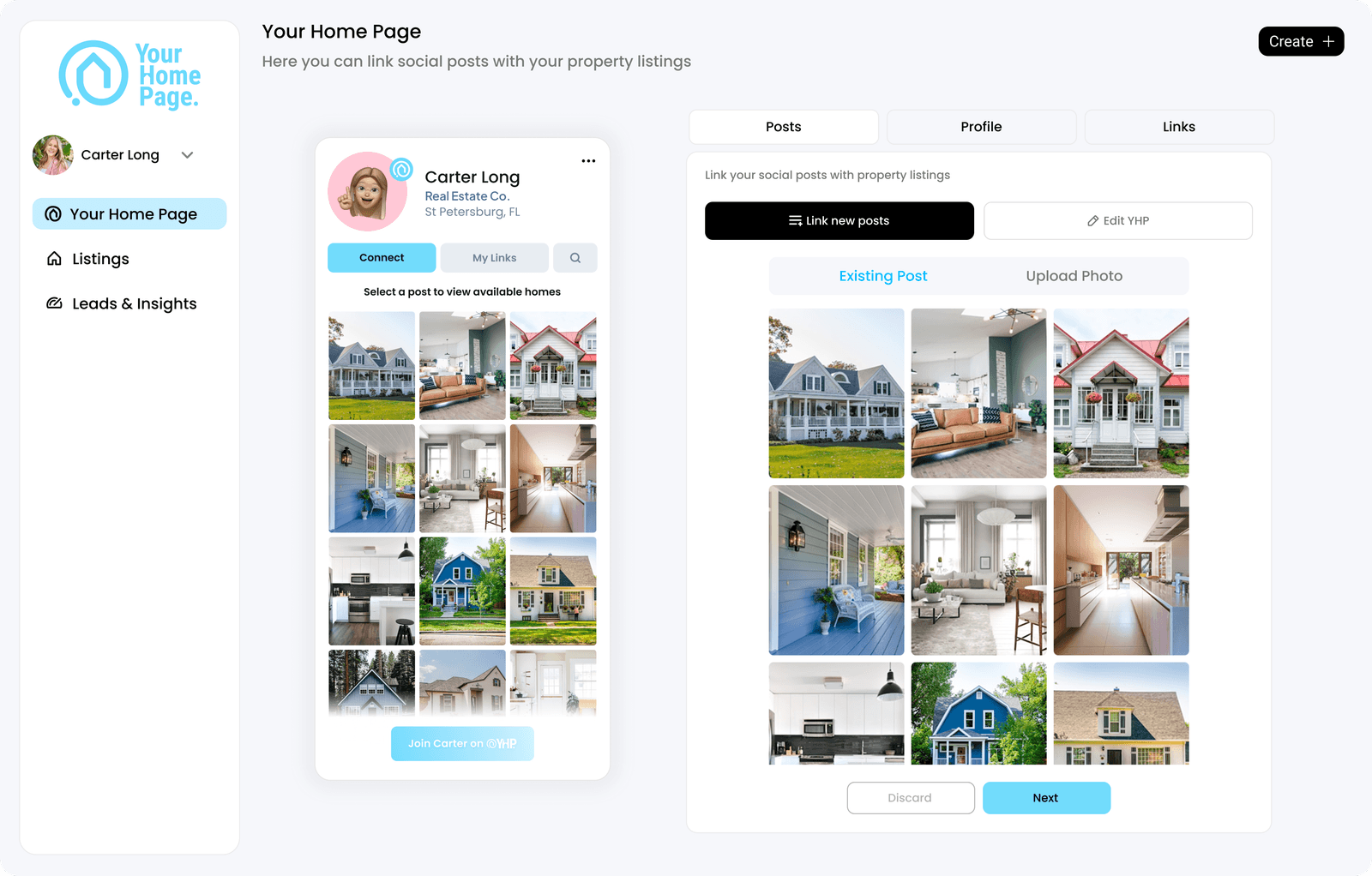
Instagram connection enables:
- Automatic import of your posts
- Posts displayed as clickable cover photos on your page
- Ability to link content to live listings
What permissions does Your Home Page request?
Your Home Page requests read-only permissions to view your feed and display posts for linking.
Your Home Page does not request permission to post on your behalf, send messages, or edit or delete your content.
What type of Instagram account do I need?
Your Home Page supports Business and Creator accounts. Personal accounts are not supported.
If your account is set to Personal, you'll need to convert it before connecting. Go to Instagram app → Settings → Account → Switch to Professional Account.
How do I connect to Instagram?
Desktop is recommended for the best experience.
- Complete your Subscriber profile.
- Navigate to Settings → Connections.
- Click Connect Instagram.
- Log in through Meta's secure login.
- Confirm permissions.
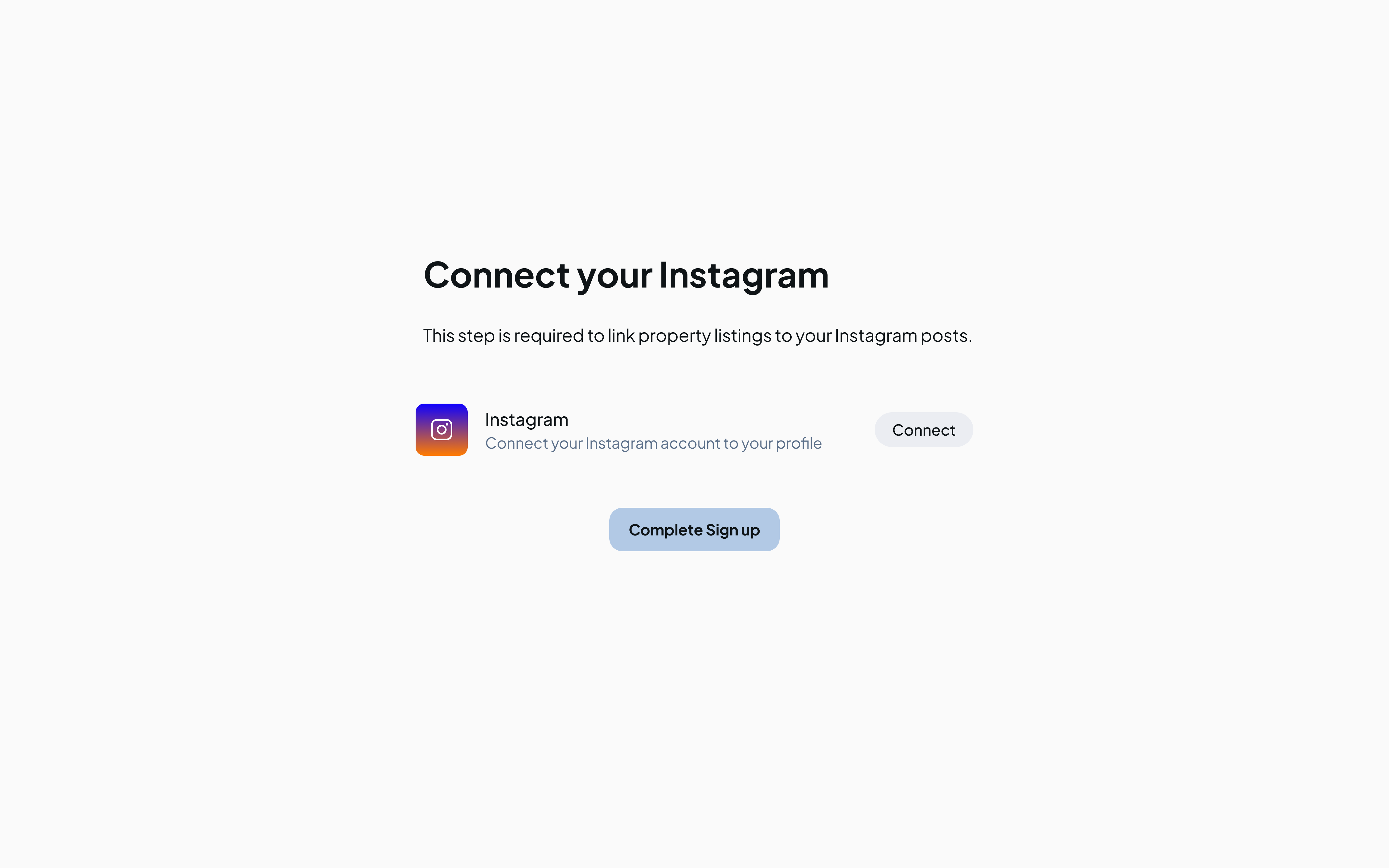
What happens after I connect?
- Your posts appear as cover photos in your dashboard
- You can link posts to listings
- Your Your Home Page becomes interactive for buyers
Why aren't my posts appearing?
- Refresh the page.
- Go to Settings → Connections.
- Click Disconnect Instagram.
- Reconnect using the same steps above.
- Refresh again.
If that doesn't work:
- Confirm your Instagram account is set to Business or Creator
- Check that you're logged into the correct Instagram account
- Clear your browser cache and try again
If the issue persists, contact support@yourhomepage.ai with your Instagram handle.
Can I connect multiple Instagram accounts?
Not currently. Your Home Page supports one Instagram account per Subscriber. Multi-account support is planned for a future release.
What if Instagram disconnects?
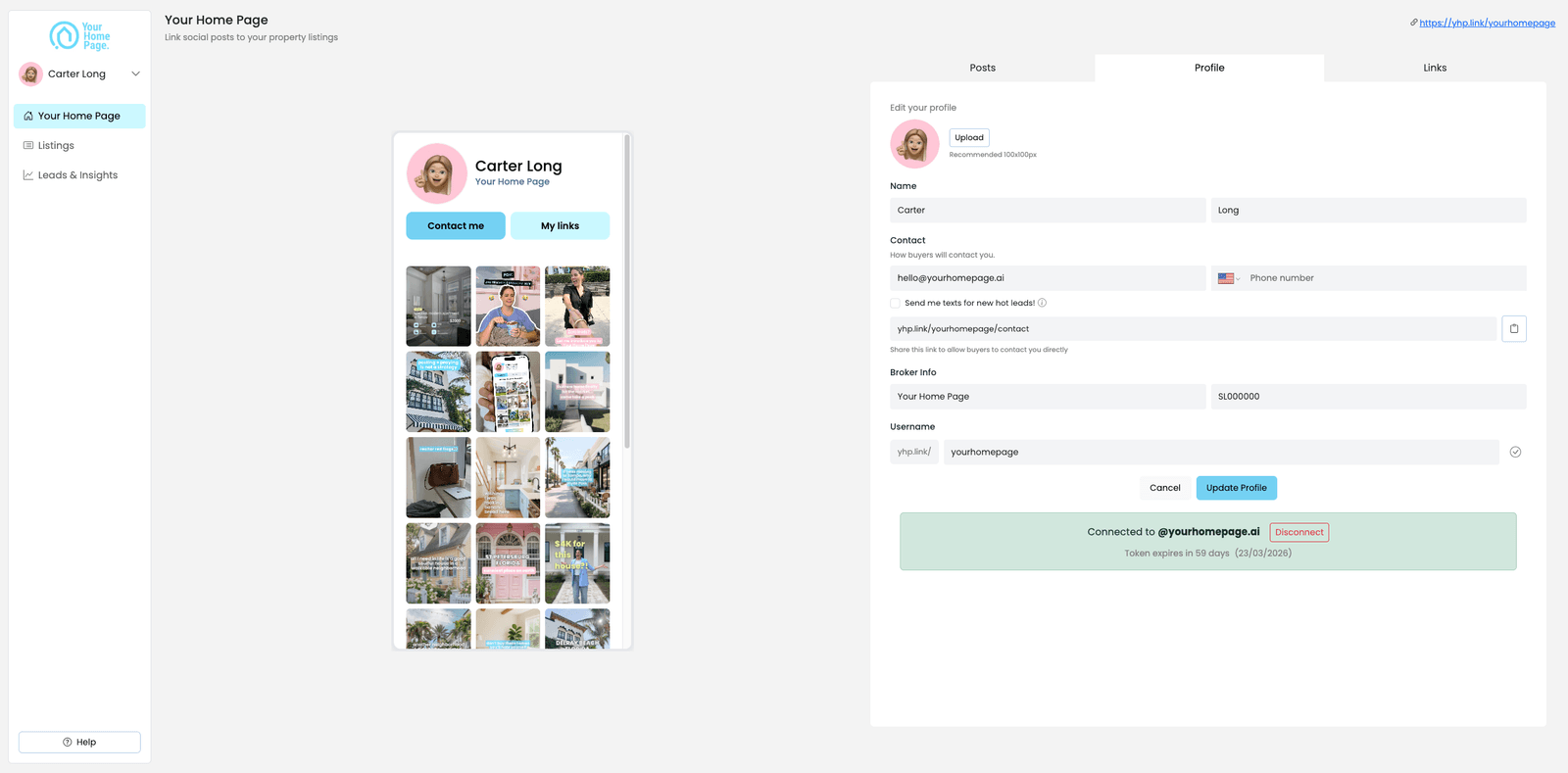
- Go to your Your Home Page dashboard → Profile.
- Click Connect Instagram.
- Log in and confirm permissions again.
Your linked posts and settings will remain intact after reconnecting.