Why do I need to complete my profile?
Your profile is required before you can connect to Instagram. It powers your branded page, ensures compliance, and makes sure buyer inquiries reach the right person.
Your profile is used to:
- Display your branding and identity on your public page
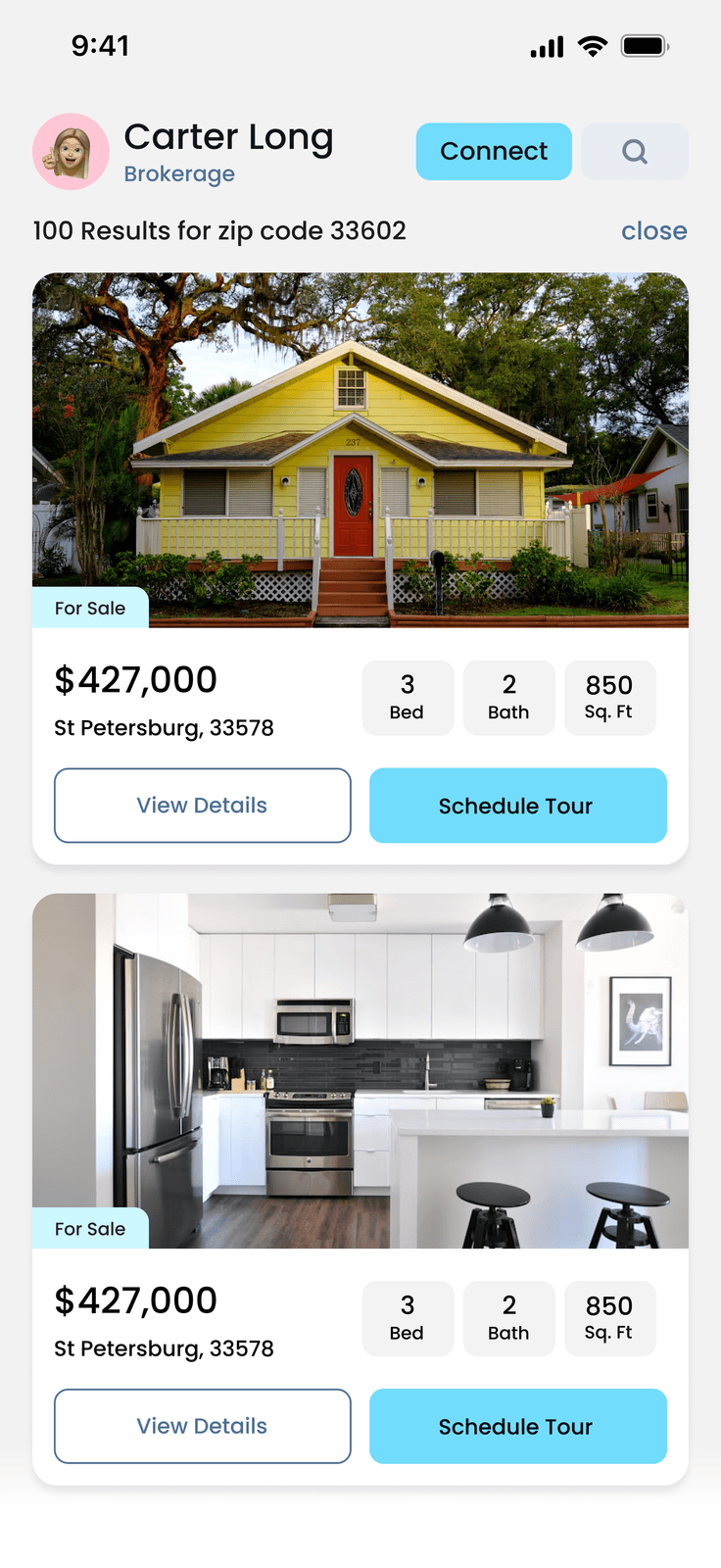
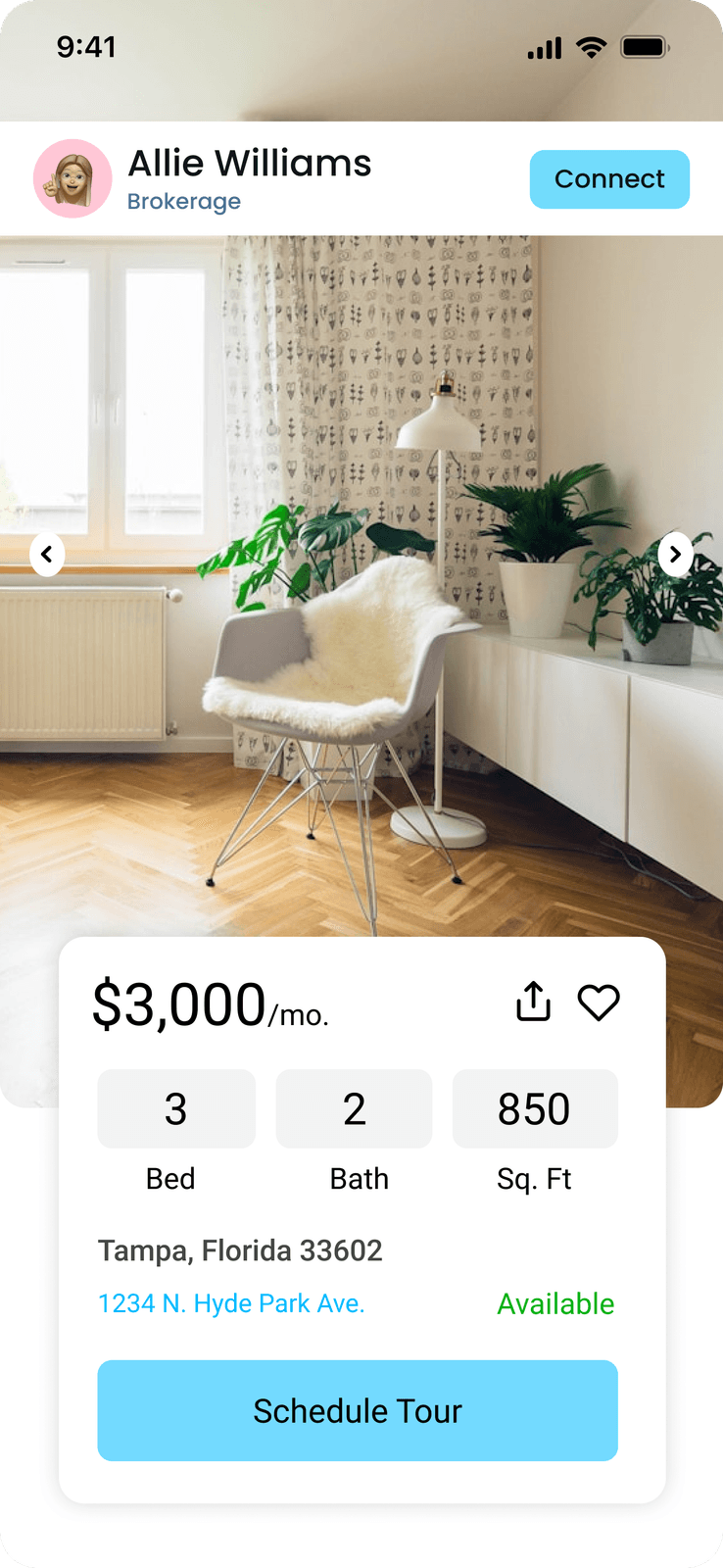
- Attribute content correctly to you as the listing agent
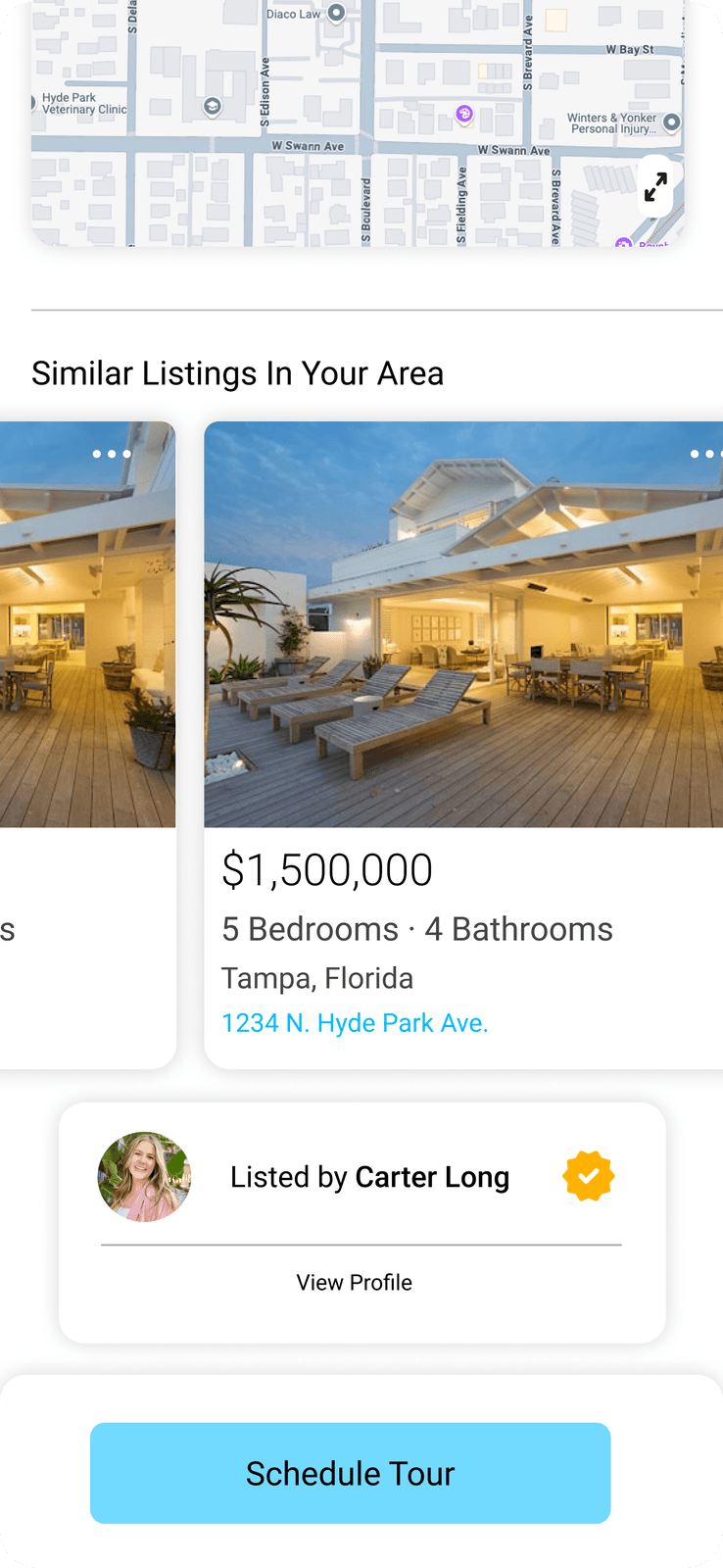
- Route buyer inquiries to the right contact
- Ensure compliance with real estate regulations
- Support future CRM integrations
What profile fields are required?
Before connecting Instagram, you must complete:
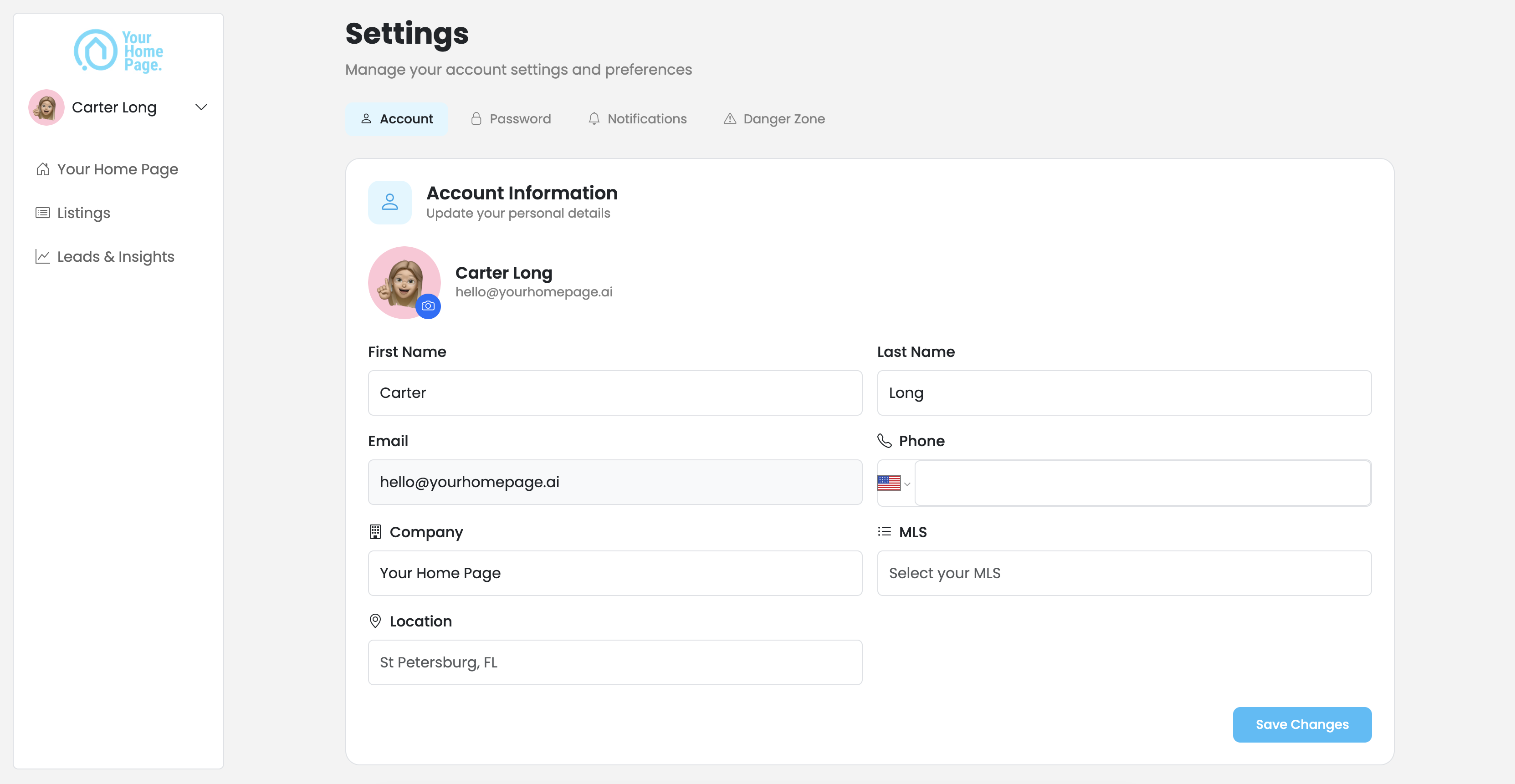
- Full name
- License number
- Broker or company name
- Profile photo or logo
- Service area (city, region, or MLS coverage area)
All fields must be saved before you can proceed.
Can I edit my profile after setup?
Yes. You can update your profile at any time — branding (photo, bio, contact info), service areas, and contact details. Changes apply to your live page immediately after saving.
Why won't my profile save?
Missing required fields
- Confirm all required fields are filled in
- Check that your broker name and license number are entered correctly
Profile photo won't upload
- Use JPG or PNG format, under 5MB
- Avoid blank or corrupted files
Changes aren't sticking
- Refresh the page and try again
- Clear your browser cache
- Try a different browser — Chrome or Safari recommended
If the issue persists, contact support@yourhomepage.ai with screenshots and we'll get it sorted.